KidsFirst at Sunset View
Weekly Eblast - Lots going on this week! Read to the end!
A Message from Principal Jennifer O'Connor!
Upcoming Key Dates:
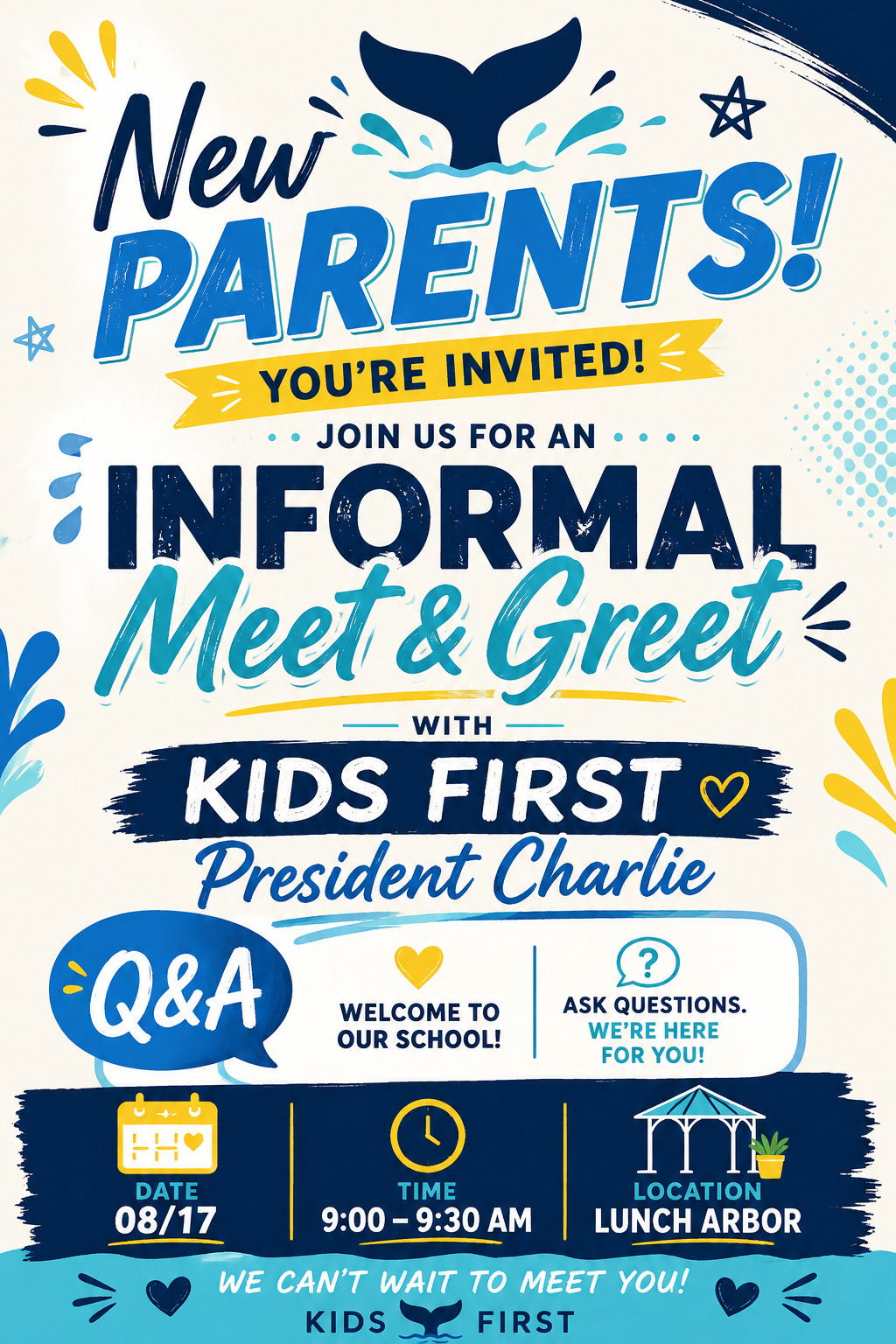
- August 17 - Informal Meet and Greet in the arbor with KF President - Charlie Ruthven - 9am
Kids First Board Meeting - 6:30 pm in the auditorium - All are welcome! - August 18 - Run Club Begins for kinder to 4th grade!!!
- August 20 - Back to School Night - 5pm
- August 24 - Run Club starts for TK
- August 27 - Thursday Afterschool Activities Start
- September 7 - Labor Day - No School
- September 9 - School Picture Day
- September 10 - Kids First Kick off Picnic
Run Club is Starting!
- For Kinder to 4th, Running Club starts Tuesday August 18th! Running Club will begin at 8:40am on the lower and upper tracks. Students are to wait on the ramp prior to being released to the track. Be sure your student grabs their barcoded bracelet before heading to the Starting line. Running Club is held from 8:40am - 8:55am each morning. Please see below to volunteer in the morning to help scan laps!
Running Club Scanners Needed!
Each year Students are PUMPED to earn running club feet (every 10 miles), ribbons (every 25 miles) and end of year awards (75 miles for TK, 100 miles for Kinder and above) and this is a fun and easy way to support.
Join us in the mornings at running club to scan using the SLT lap tracker Apy. No experience necessary!
Running club begins promptly at 8:40am and we request all Running Club Scanners to be in position with scanner device by 8:35am. You will be contacted with Scanner directions if you sign up. It's as simple as loading an App!
Directions will also be located at the upper track PE closet and lower Track PE shed.
Upper Track UTK/Kinder Lap Tracker Scanner Sign Ups
Back to School Night is this THURSDAY 5pm!
PARENT EDUCATION PRESENTATION August 24th & 25th!Sign up here ahead of time with questions!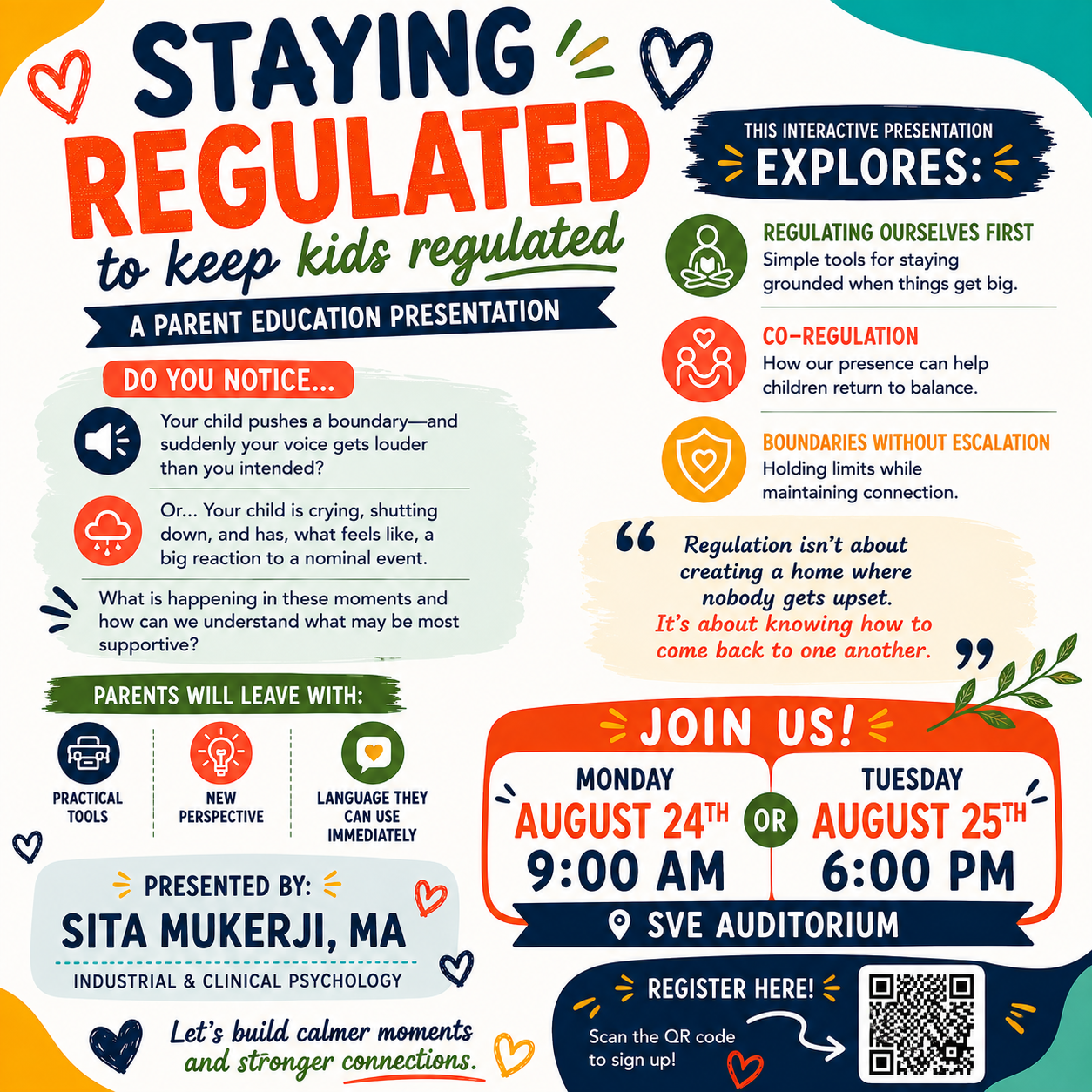
Please send in your family pictures from the summer and beginning of school for our SVE Community Board!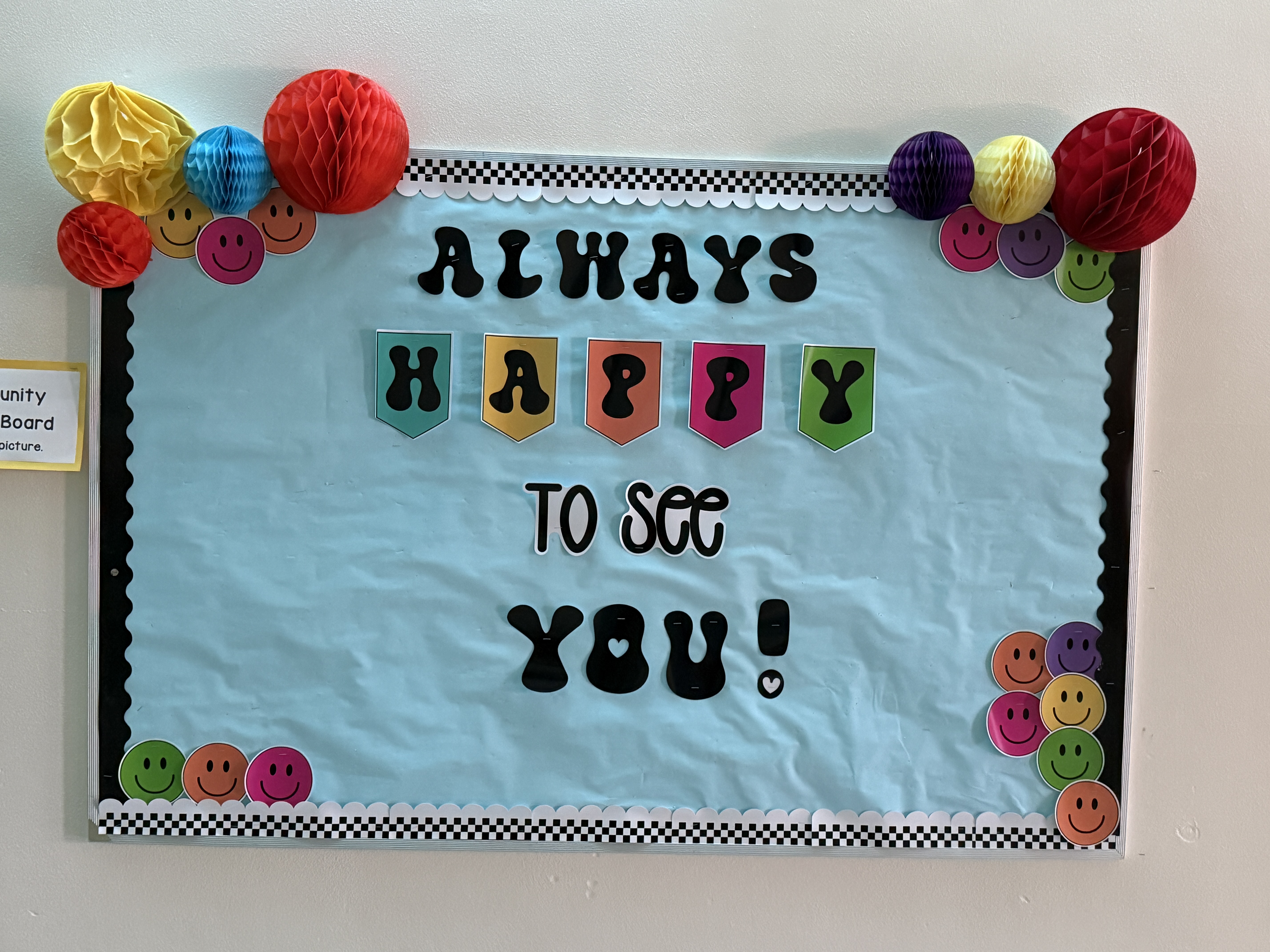
Before & After School Programs
- Sunset View School Calendar & Bell Schedule *Note that events are subject to change/cancellation and this calendar is regularly updated
- School Lunch Menu
- To Merge: To merge with additional parents on Konstella, confirm the spelling of the child's first and last name match exactly, even capital letters, and Konstella will auto populate an option to merge. NOTE: Merging does not allow the merged members to see anything you do through Konstella, it is a way for teachers and staff to see the child's family and know that everyone will be receiving any announcements provided.
- To add a child: Go to your settings then go to "your children"
- To edit/add a classroom: Go to your settings then go to "your children", click on your child's name then click classroom.
- Notifications: To manage how you are notified about events, click on settings and notifications and specify how often you would like to hear from us.
- Calendar: You can also SYNC our SVE calendar. Open your app, click on calendar and then in the top right click SYNC. It is suggested that you click on "SYNC ALL" this will allow the system to add your personal sign ups to your calendar as well, ie. teacher conferences, volunteer times, etc.
With regards to volunteer positions, we would like to request that you NOT put your name on any current openings as we have some positions that already have committed leads and we will populate those positions and notify the community with others are available to be filled. This also includes ROOM PARENT sign-ups. Please do NOT sign up for these positions at this time. These roles will be identified during Back-To-School night on August 20th.
President: kidsfirstpresident@
Follow us on social media!